
Who sends them
PHQR, a service of Ascend Networks LLC, sends these texts from (888) 720-7477. PHQR (Phone Home QR) puts private QR stickers on your things so whoever finds them can reach you without seeing your number.
What we text
- Scan alerts when someone scans your sticker.
- Messages between you and a finder: what they write, and your replies.
- Sign-in and phone confirmation codes.
- Account notices about your stickers and your account.
No marketing or promotional texts.
How you opt in
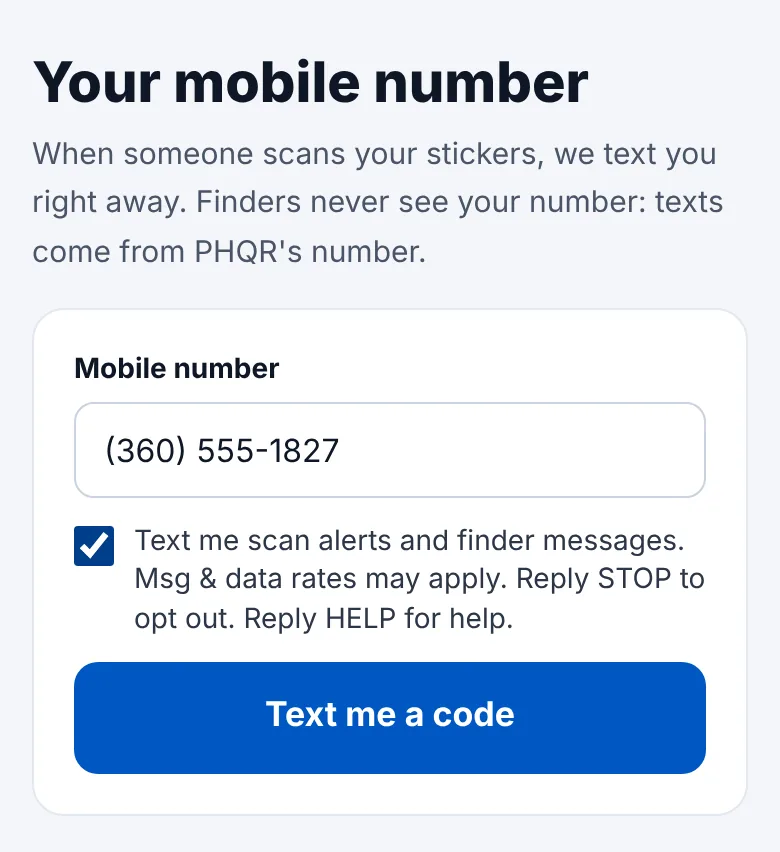
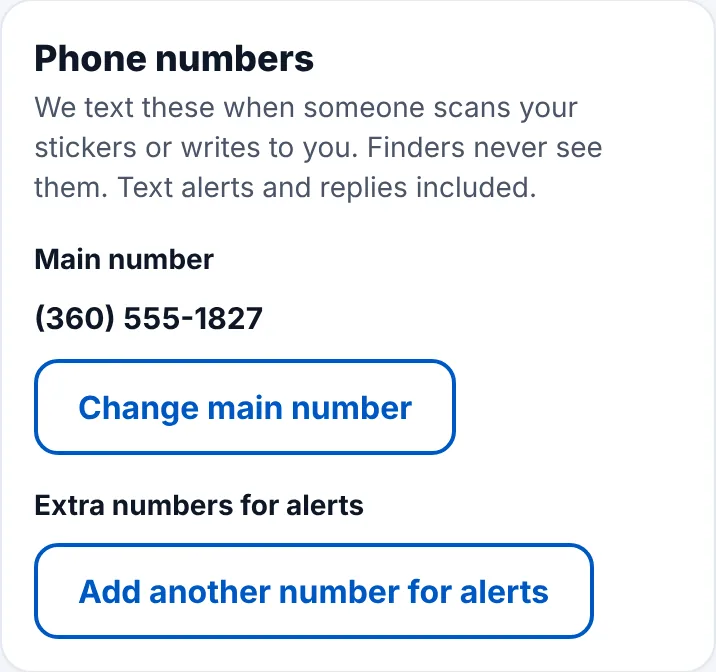
You enter your mobile number in PHQR (when you set up your account, or in Settings → Phone numbers) and check this box: “Text me scan alerts and finder messages. Msg & data rates may apply. Reply STOP to opt out. Reply HELP for help.” We then text a 6-digit code to the number, and you confirm it in PHQR. Nothing else is texted to a number until it is confirmed.
How often
It varies with how often your stickers are scanned and how many messages you exchange with finders. Chat texts are capped at about 300 a month per account.
Message and data rates
Msg & data rates may apply. Carriers aren't liable for delayed or undelivered messages.
Opting out and help
Reply STOP to any PHQR text, at any time, to stop texts to that number. We confirm once and send nothing more until you reply START. You can also remove the number in Settings → Phone numbers.
For help, reply HELP or email [email protected].
Your number stays private
We never sell or share phone numbers, and mobile opt-in data is not shared with third parties for marketing. Finders never see your number: texts always come from PHQR's number. More in our privacy policy and terms.