

PHQR FAQ
Questions? We've got answers.
12 questions
Getting started
How does PHQR work?
Put a PHQR sticker on something you might lose and claim it with one scan of your phone camera. If someone finds it, they scan the sticker and message you in a private chat. You get a text right away, and you can reply.
- 1. Stick itOn anything you might lose.
- 2. Someone scansWith their phone camera. No app.
- 3. You get a textReply and get it back.
Where should I put my stickers?
On a hard, smooth surface that is clean and easy to see: the lid of a laptop, the back of a phone case, the side of a water bottle, a hard-shell suitcase by the handle, a tablet, a camera, a binder or a lunch box. Press firmly for a few seconds. They don't stick well on fabric.

Laptop 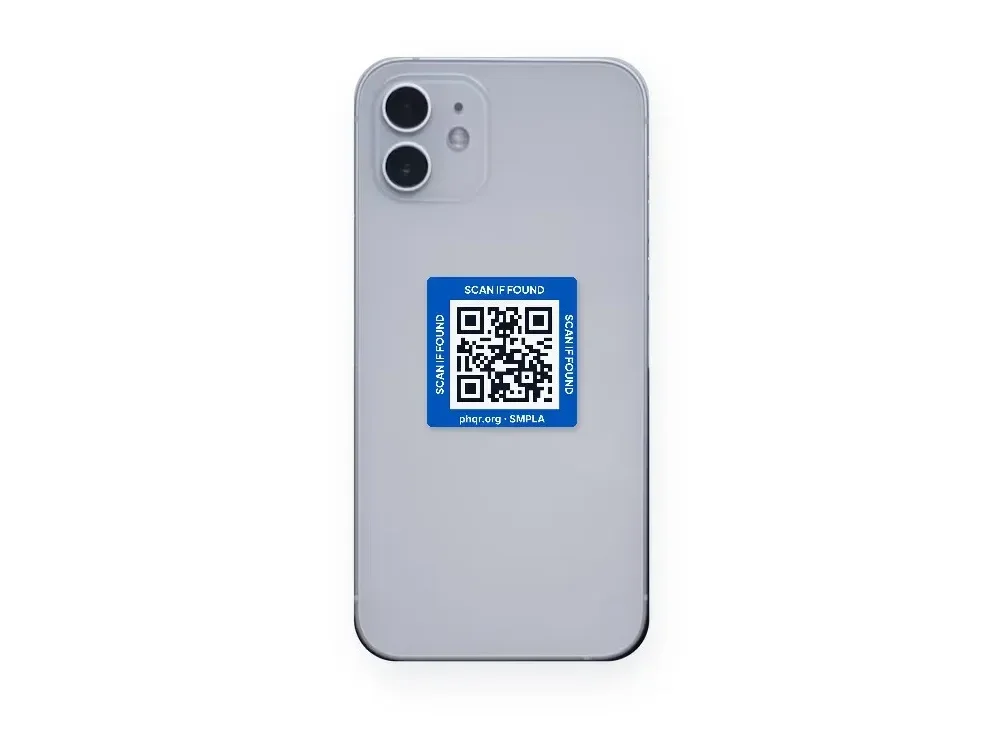
Phone case 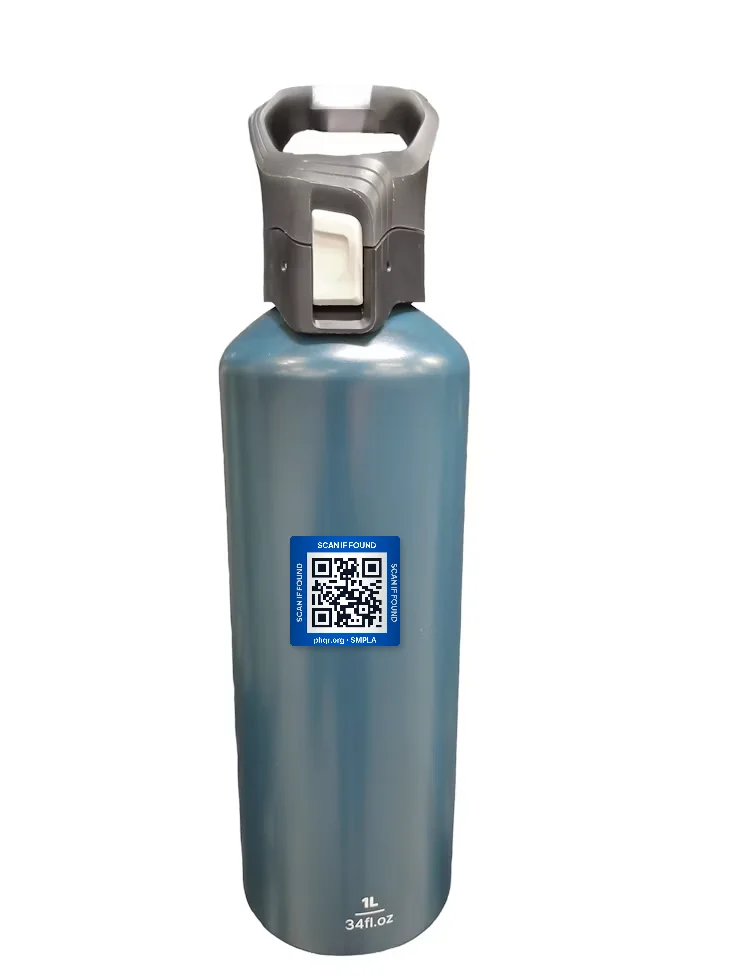
Water bottle 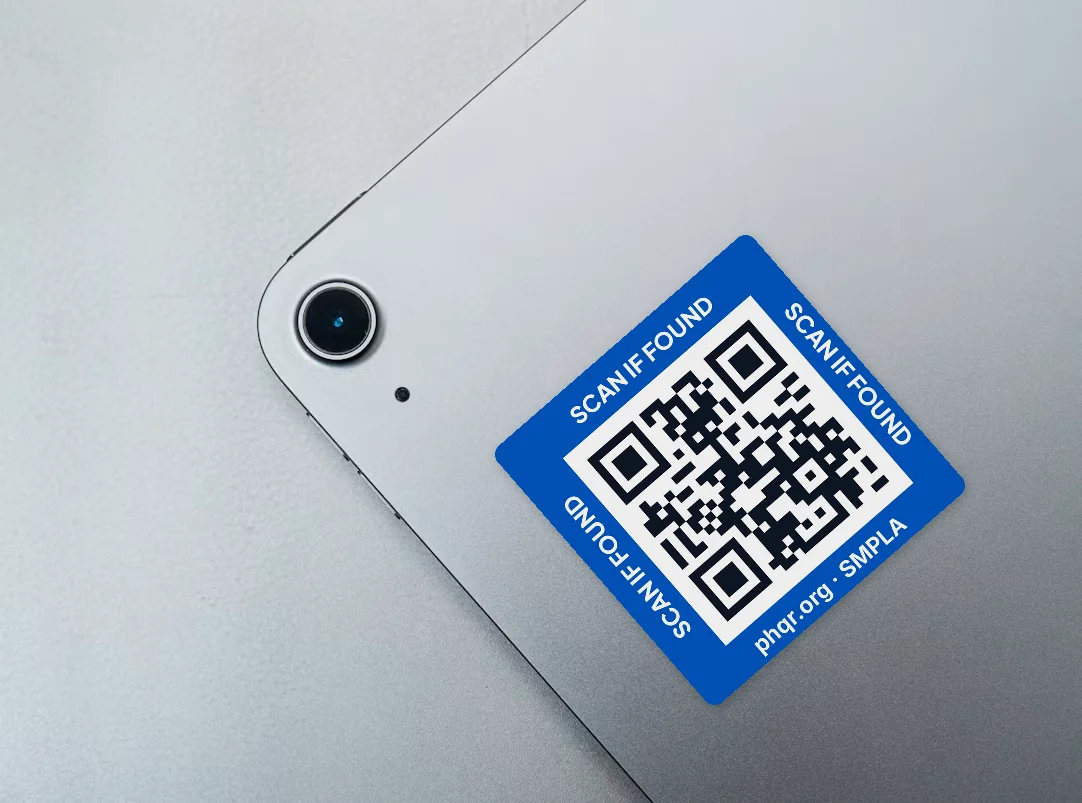
Tablet
Finders & privacy
What does the finder see? Can they see my phone number?
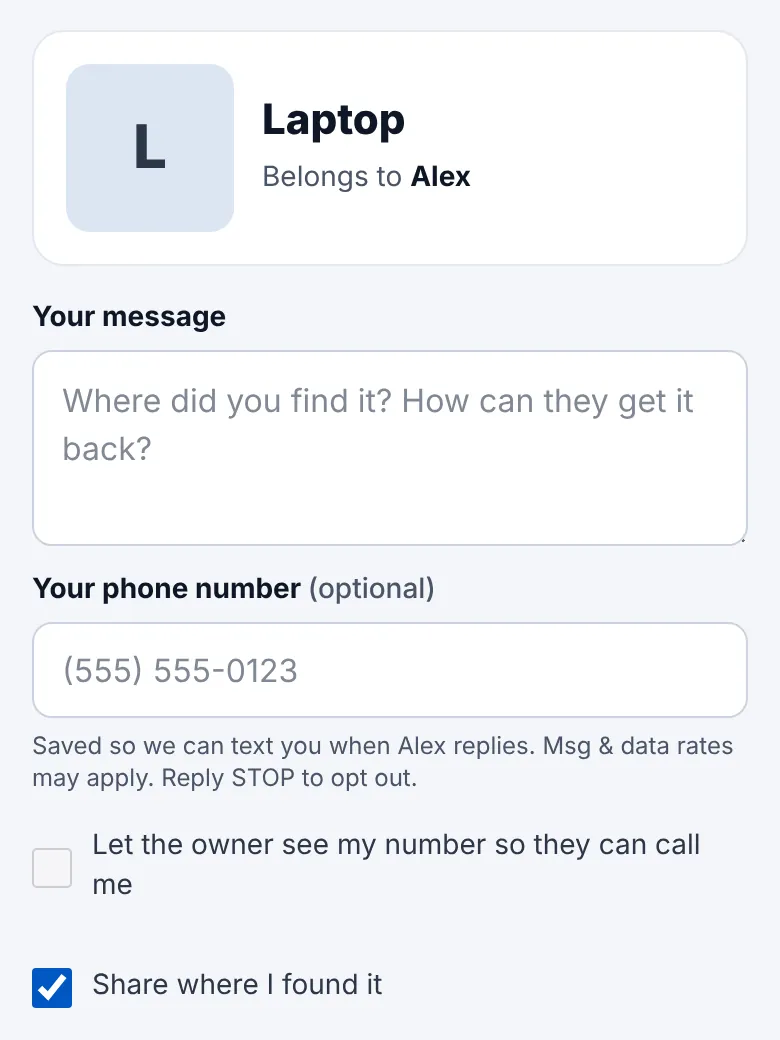
No, never. The finder sees your first name, the item's name and, if you add them, a photo and a note such as where to leave it. They never see your phone number, email or address, and you never see theirs.
Do finders need an app?
No. Finders scan the sticker with their phone camera and the chat opens in the browser. No app and no account. If they would rather not scan, they can type the code printed on the sticker at phqr.org.
Alerts & texts
What happens when someone scans my sticker?
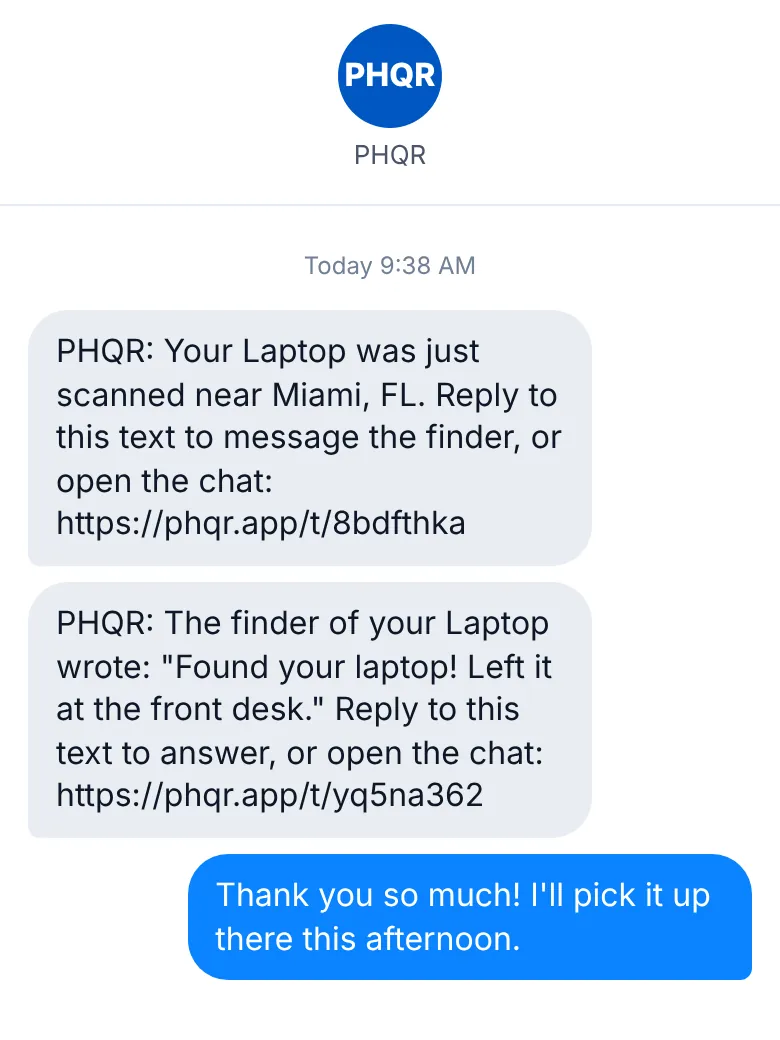
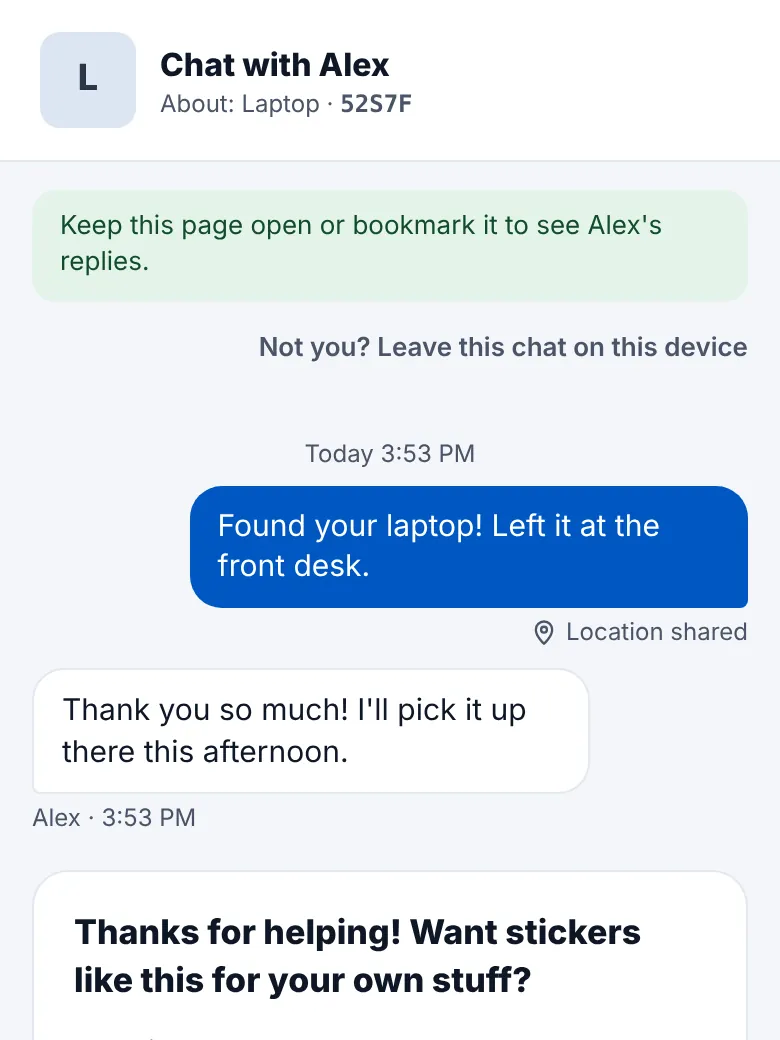
You get a text the moment it is scanned, with a link to the item. When the finder writes, their message comes to you by text and email. Reply to the text and your answer lands in their chat.
Is there a limit on texts?
Text alerts and replies are included. To prevent abuse, accounts are limited to about 300 texts a month, far more than normal use.
Can I turn alerts off or mark something as lost?
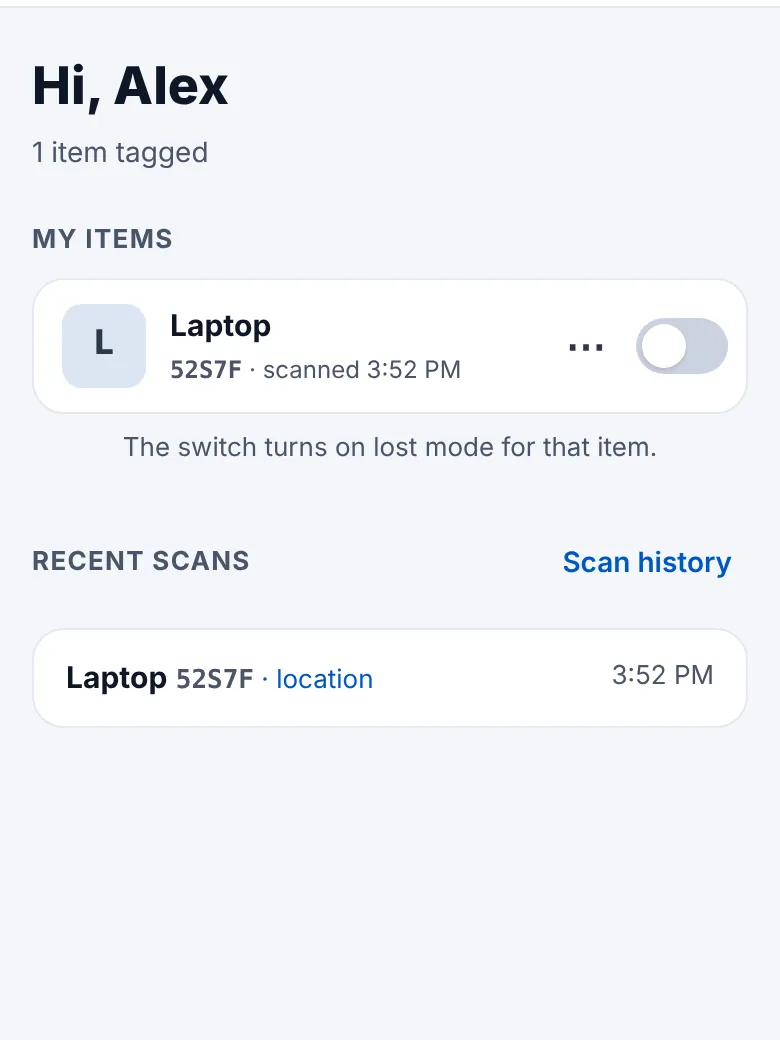
Yes. To mark something lost, flip the switch next to it on your dashboard: scanning it then shows a LOST page with your note, and you are emailed at once on every scan. To stop texts to a number, turn it off in Settings, or reply STOP to any PHQR text.
Stickers & orders
What comes in a sheet? How much does it cost?
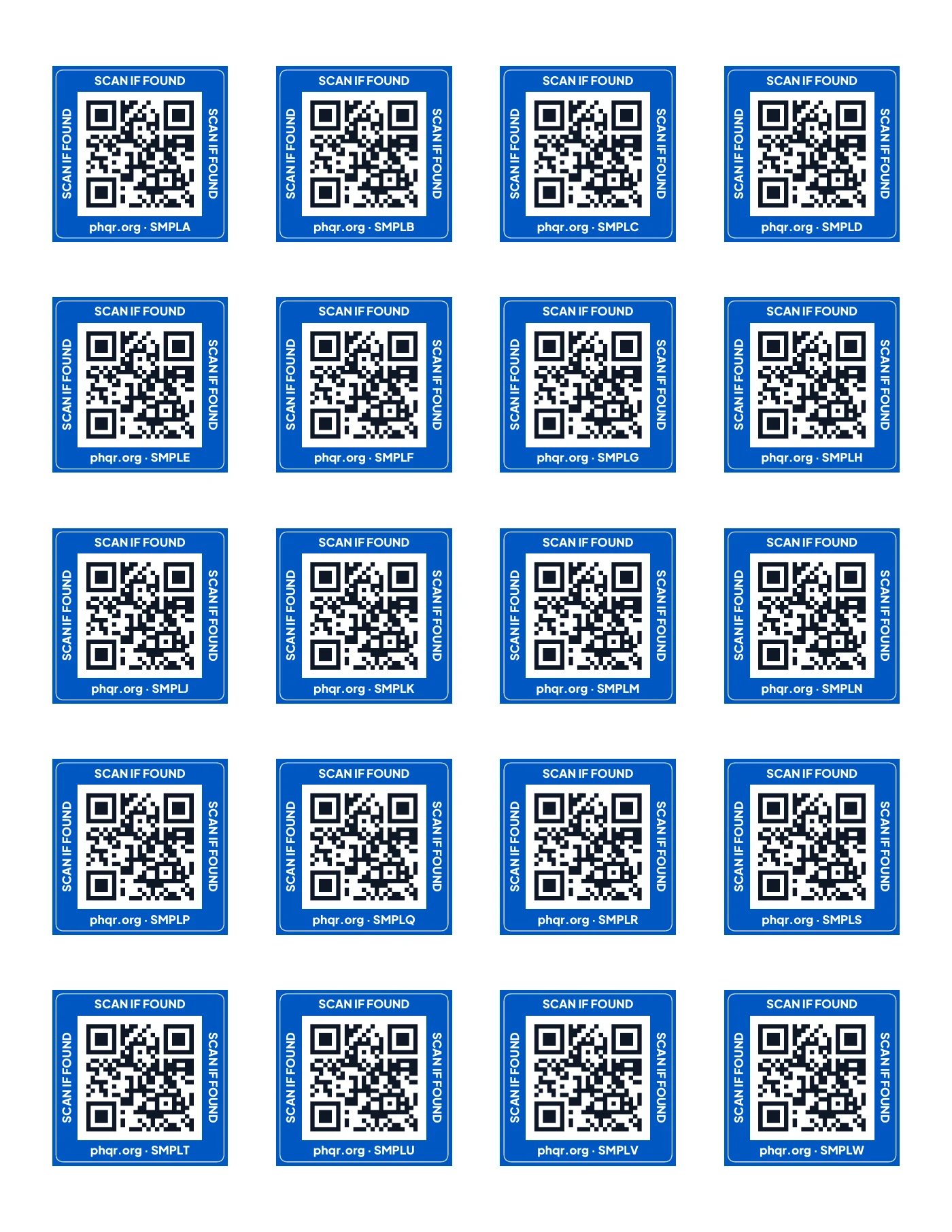
A sheet has 20 stickers for $25. Each extra sheet is 5% off, $23.75, up to 5 sheets per order. Need more? Email [email protected]. You pay once: there is no subscription.
One sheet
What if a sticker gets damaged, or I sell or give away the item?
Each item has one sticker. Open the item at phqr.app and tap the ⋯ menu. Selling it or giving it away? Transfer the sticker to the new owner, or release it so the next person to scan it can claim it. If the sticker is damaged or lost, retire it, then stick a new one from your sheet on the item and scan it to set it up.
Account
How do I delete my account?
Sign in at phqr.app, open Settings and choose Delete my account. Your account, items and messages are deleted.
How do I contact support?
Email [email protected] and we will get back to you.
Still have a question?
Write to us and we'll get back to you.